Test the fit in hardware
Turn CAD geometry into physical components for assembly, access and motion checks before the next design revision.

ROBOTICS COMPONENT MANUFACTURING
Bring your next robot assembly to life with custom joints, gripper components, sensor mounts and frames. Connect CNC machining, sheet metal and finishing around the parts you need.
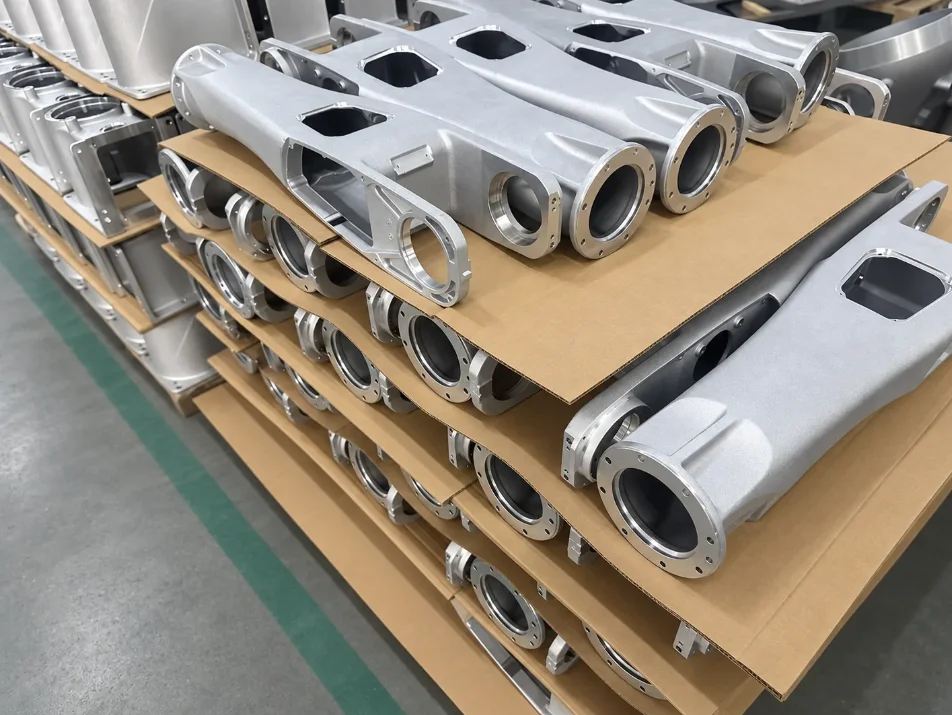
WHY PROLEANMFG
A robot’s performance depends on how its parts work together. Build around the interfaces that connect motion, sensing and structure.
Turn CAD geometry into physical components for assembly, access and motion checks before the next design revision.
Bring bores, locating faces, threads and mounting patterns into the same machining and inspection plan.
Source machined interfaces alongside sheet metal guards, brackets and covers for the wider assembly.
APPLICATIONS & COMPONENTS
From a single end effector to the hardware around a complete automation cell.
Joint housings, shaft adapters, spacers and bearing carriers connect rotating components to the robot structure.
HOW IT SUPPORTS THE ASSEMBLY
Bores, shoulders and locating faces work together to position mating parts.
Custom fingers, tool plates, jaws and adapter blocks bring the tool to the task.
HOW IT SUPPORTS THE ASSEMBLY
Contact geometry, fasteners and tool clearance support the intended grip and motion.
Camera mounts, sensor brackets, frame plates and protective covers support the surrounding hardware.
HOW IT SUPPORTS THE ASSEMBLY
Mounting patterns, adjustment access and cable clearance help the assembly fit together.
MANUFACTURING SUPPORT
Connect geometry, material and finish to the route that makes the part.

Machine pockets, bores, threads and locating features in joint housings, tool plates and sensor interfaces.
Explore CNC machining ↗Produce shafts, spacers, bushings and round adapters for rotational and locating interfaces.
Explore CNC turning ↗Build guards, covers, panels and supporting brackets around the moving assembly.
Explore sheet metal fabrication ↗FROM DESIGN TO BUILD
Choose what the build needs to demonstrate, then use the component to answer that question.
Check mating geometry, fastener access and clearance with the surrounding parts.
Assembly sample
Use your test setup to evaluate travel, tool contact and interference.
Functional evaluation
Carry the accepted drawing revision, finish and critical dimensions into the next order.
Controlled repeat order
MATERIALS & FINISHES
Explore the starting points below, then select the exact grade and condition for your design.
| Material family | Component examples | Selection considerations |
|---|---|---|
| Aluminum alloys | Joint housings, tool plates and sensor mounts. | Low component mass and machined interface features. |
| Steel & stainless steel | Shafts, bushings, contact parts and fixtures. | Strength, wear, corrosion and surface condition. |
| Engineering plastics | Guides, spacers, protective parts and prototypes. | Contact behavior, weight and the operating environment. |
Anodizing, plating and other finishes can change a fit or contact surface. Coordinate finish allowances and masking with the assembled condition.
Explore surface finishing ↗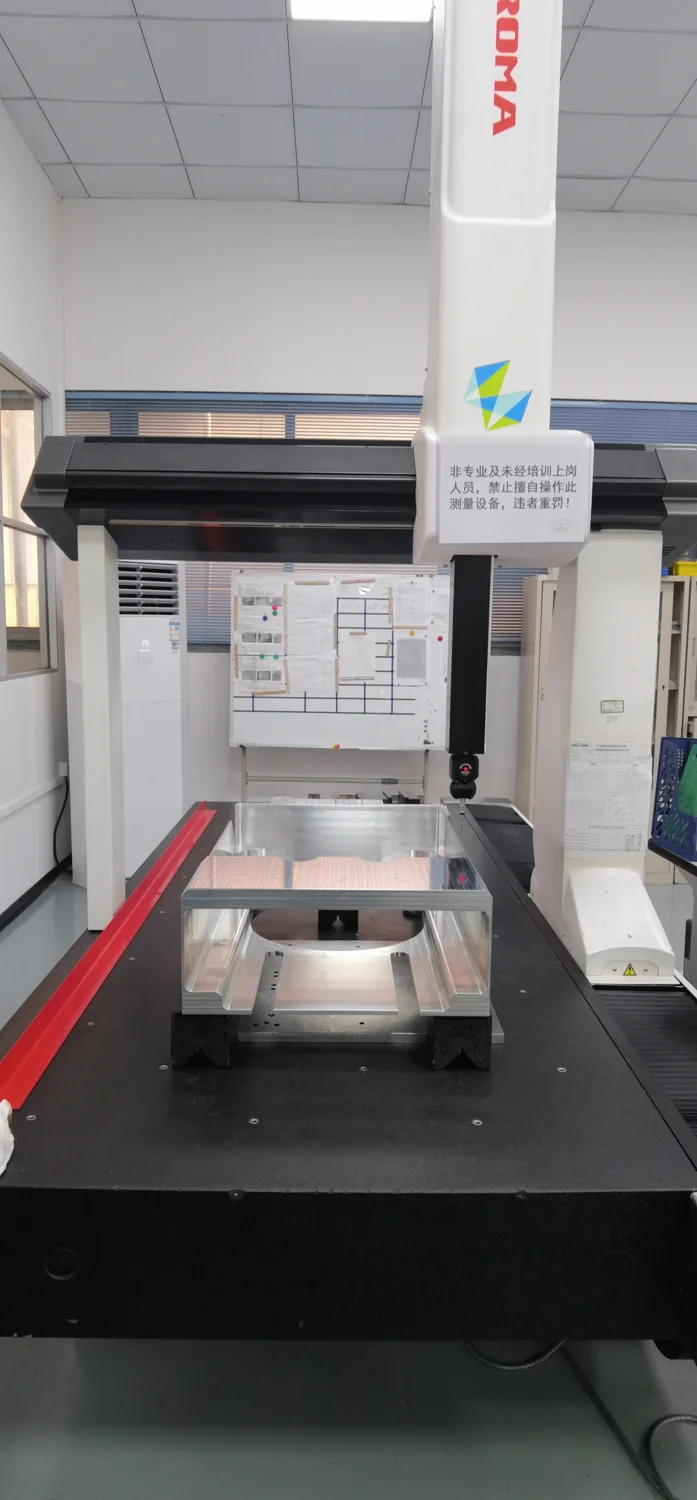
QUALITY & INSPECTION
Inspect the bores, datums and feature relationships that locate the assembly. Identify the fits and contact faces that matter so the inspection scope supports the way the part will be used.
YOUR NEXT BUILD STARTS HERE
Send your part files for a manufacturing review and quotation. Start with one component or include the connected parts in the assembly.